Changing Canvas Orientation
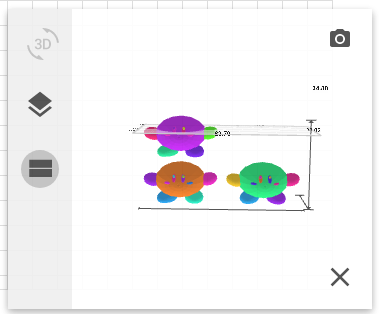
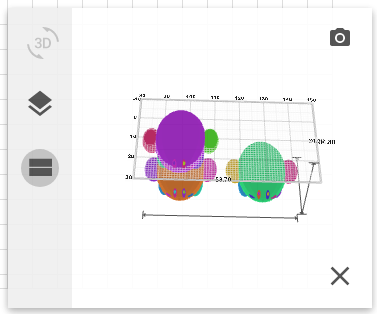
While the 3D Previewer is rendering, there are two options for views: overhead and side. Below is an example canvas configuration and how it appears in both views.
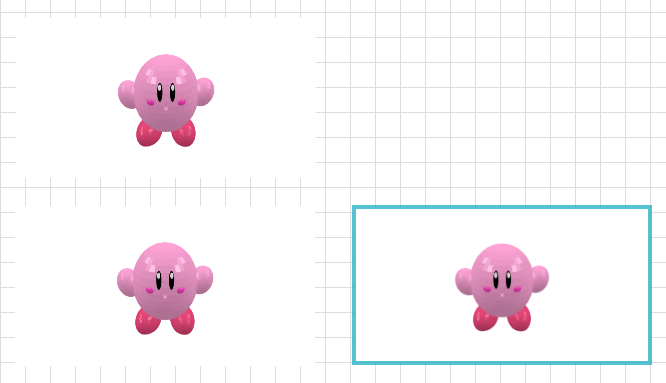
The overhead view shows a top-down perspective and depicts the scene above as follows:
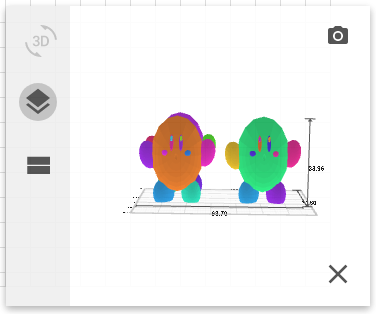
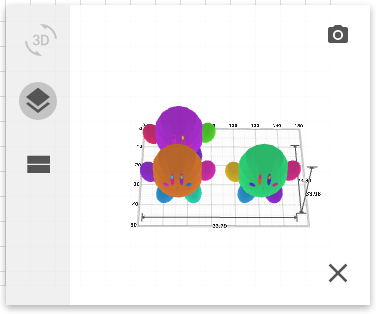
The side view shows the scene from a parallel perspective and depicts the same scene as follows: